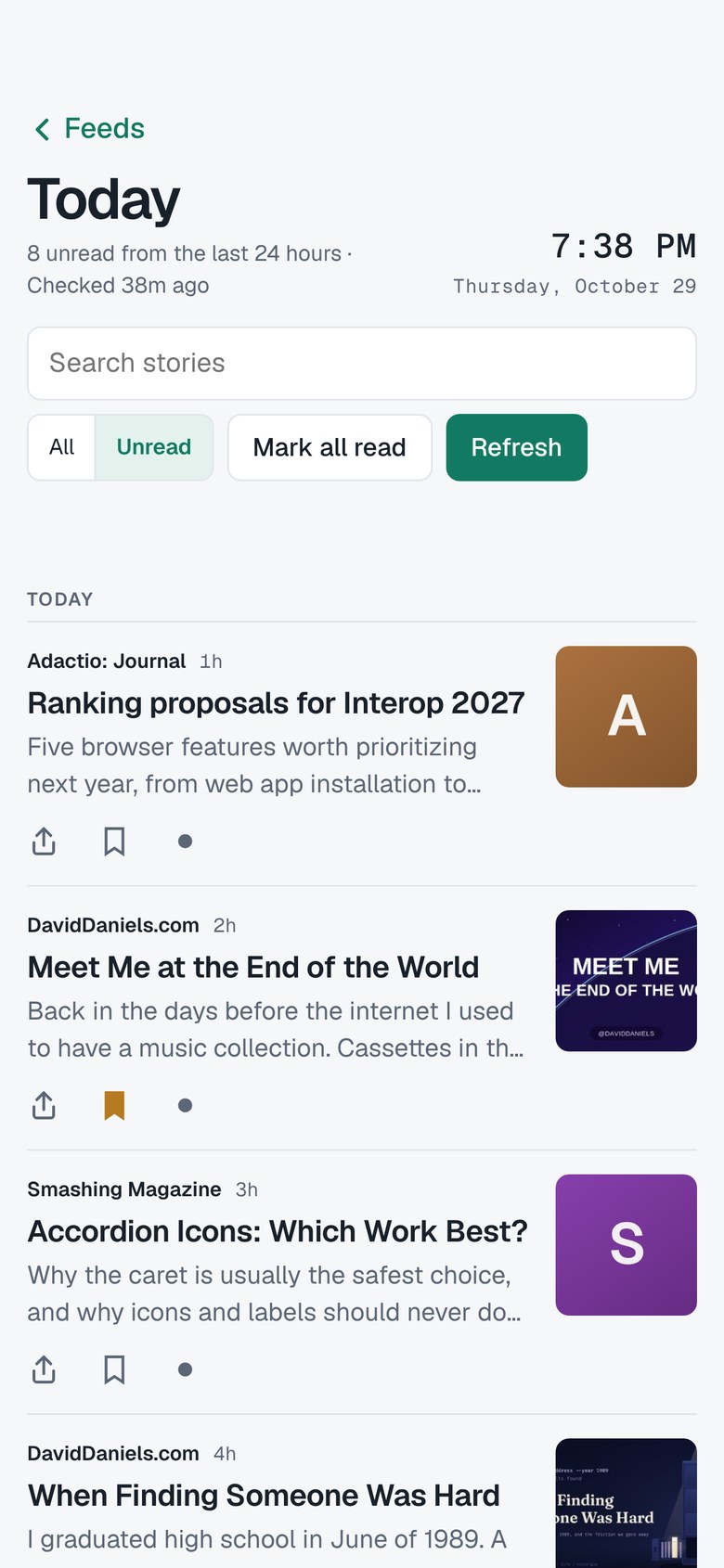
 The Reading Room
Read along early.
Try new versions of The Reading Room before they reach the App Store, and tell me what’s working and what isn’t.
Join the beta on TestFlightHow to join
Get TestFlight. It’s Apple’s free app for trying beta software. Install it on your Mac, iPhone or iPad.
Open the invite. Use the Join button on this page, on the device you want to read on.
Install and read. TestFlight offers each new version as it comes out.
What to expect
This is unfinished software, so you’ll find rough edges. That’s the point. If something breaks or feels wrong, send feedback through TestFlight, or use the contact details at daviddaniels.com.
About your privacy
The app works the same as always: no account, no tracking, no ads. TestFlight is Apple’s service, and it shares crash reports, usage information and any feedback you send with the developer. Read the details.